Prisma Postgres
Prisma Postgres is a managed PostgreSQL database with built-in connection pooling and edge runtime support.
To your application it is a regular PostgreSQL database behind a connection string:
Your application

      ↓ DATABASE_URL

Prisma Postgres
Any PostgreSQL client works: Prisma ORM, psql, Kysely, Drizzle, node-postgres, or anything else that speaks Postgres.
The fastest way, with no account required:
bunx create-db@latestpnpm dlx create-db@latestyarn dlx create-db@latestnpx create-db@latestcreate-db creates a temporary Prisma Postgres database and prints a connection string plus a claim URL. Open the claim URL to keep the database in your workspace. See create-db for details. You can also create databases in the Console or with the Prisma CLI (npx prisma postgres create).
create-db creates a temporary Prisma Postgres database and prints a connection string plus a claim URL. Open the claim URL to keep the database in your workspace. See create-db for details. You can also create databases in the Console or with the Prisma CLI (npx prisma postgres create).
create-db prints it once. For an existing database, open it in Prisma Console and click Connect to your database. Store it where your app reads configuration:
DATABASE_URL="postgres://...@db.prisma.io:5432/postgres?sslmode=require"Pick the client you use; each quickstart takes you from connection string to a first query:
Prisma ORM quickstart Define a data contract and query with Prisma ORM.Prisma ORM 7 quickstart Connect with the current GA release of Prisma ORM.Kysely quickstart Connect Prisma Postgres from Kysely.Drizzle ORM quickstart Connect Prisma Postgres from Drizzle ORM.
Also available: the TypeORM quickstart and Connecting to your database, which covers connection strings for psql, GUI tools, and serverless runtimes.
If you work with a coding agent, copy this prompt:
Create a Prisma Postgres database for this project.

1. Run `npx create-db@latest`. It creates a temporary Prisma Postgres database without an account and prints a connection string plus a claim URL.

2. Put the connection string in `.env` as DATABASE_URL and wire it into whichever of Prisma ORM, Kysely, Drizzle, TypeORM, or node-postgres the project already uses (detect it from package.json; if none, ask me). Verify the connection with one trivial query such as `select 1`.

3. Remind me to open the claim URL to keep the database in my Prisma workspace.

Current docs: https://www.prisma.io/docs/postgres.md.Each Prisma Postgres database includes the following, with no extra services to configure:
- Connection pooling: a dedicated PgBouncer instance runs alongside your database, with nothing to set up or manage. It also works for serverless and edge deployments. See Connection pooling.
- Edge and serverless support: connect from Cloudflare Workers, Vercel Edge Functions, and other edge runtimes via the serverless driver, which uses HTTP instead of TCP.
- Automated backups (Starter, Pro, and Business plans): daily snapshots, kept for 7 or 30 days depending on the plan. See Backups.
Run Prisma Postgres locally with prisma dev, then switch to cloud when ready.
Each integration is optional. Prisma Postgres works with any PostgreSQL client.
- If you use Prisma ORM, the quickstart provisions a database and connects it to your data contract.
- If you deploy on Prisma Compute, each branch of a Compute project can have its own Prisma Postgres database; pass the connection string through environment variables.
- For a multi-service application, Prisma Composer declares a database as a service dependency and injects the connection at runtime.
Prisma Postgres uses usage-based pricing and includes spend controls.
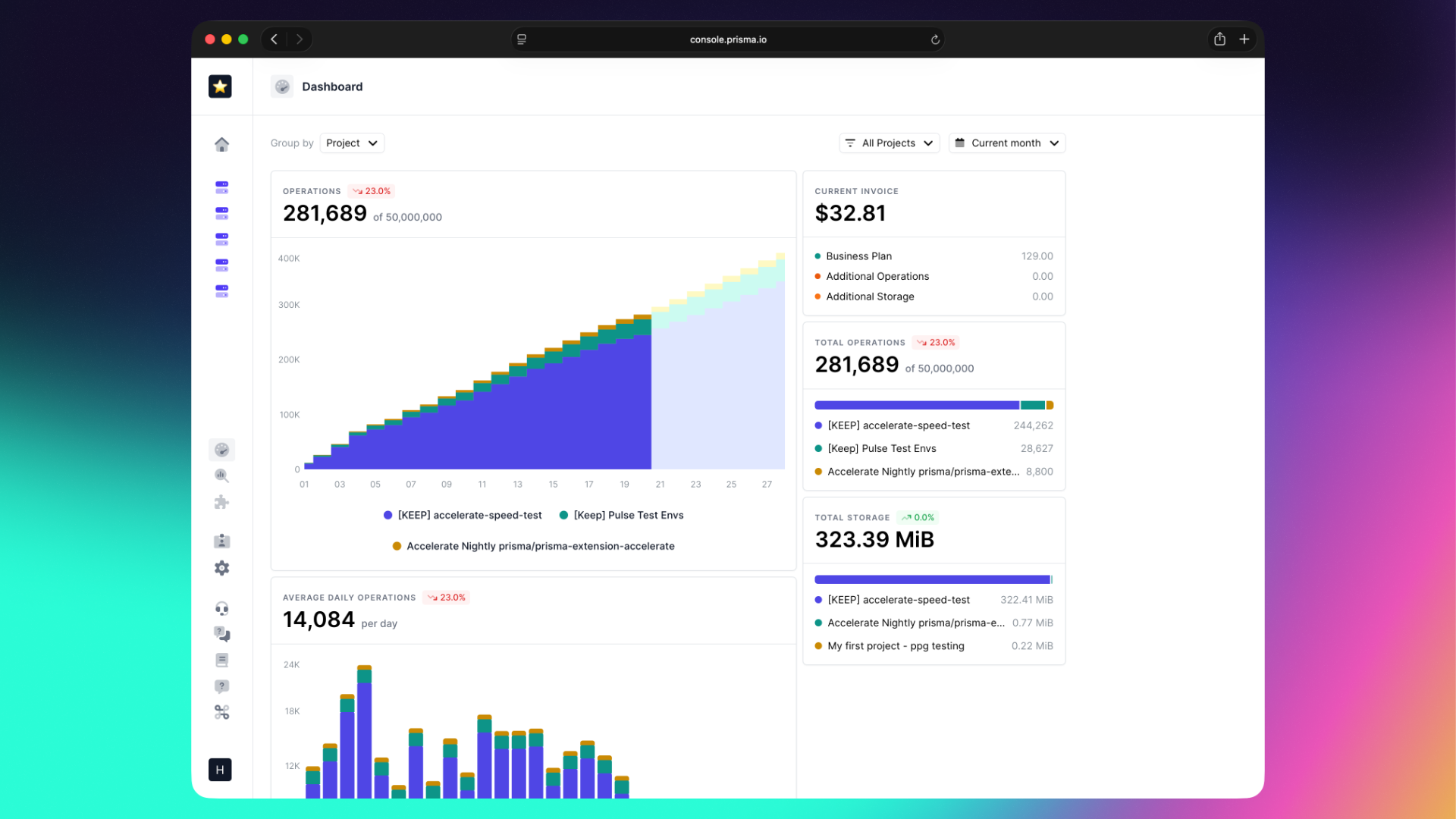
In Prisma Console, you can track usage, set spend limits, and view billing details.
Prisma Postgres is based on PostgreSQL v17 and uses a unikernel-based architecture.
Learn more: Prisma Postgres: Building a modern PostgreSQL service.